Skip to main content
Verify Your Bank Account Details For MePay | PropertyMe Mobile App (Tenant)
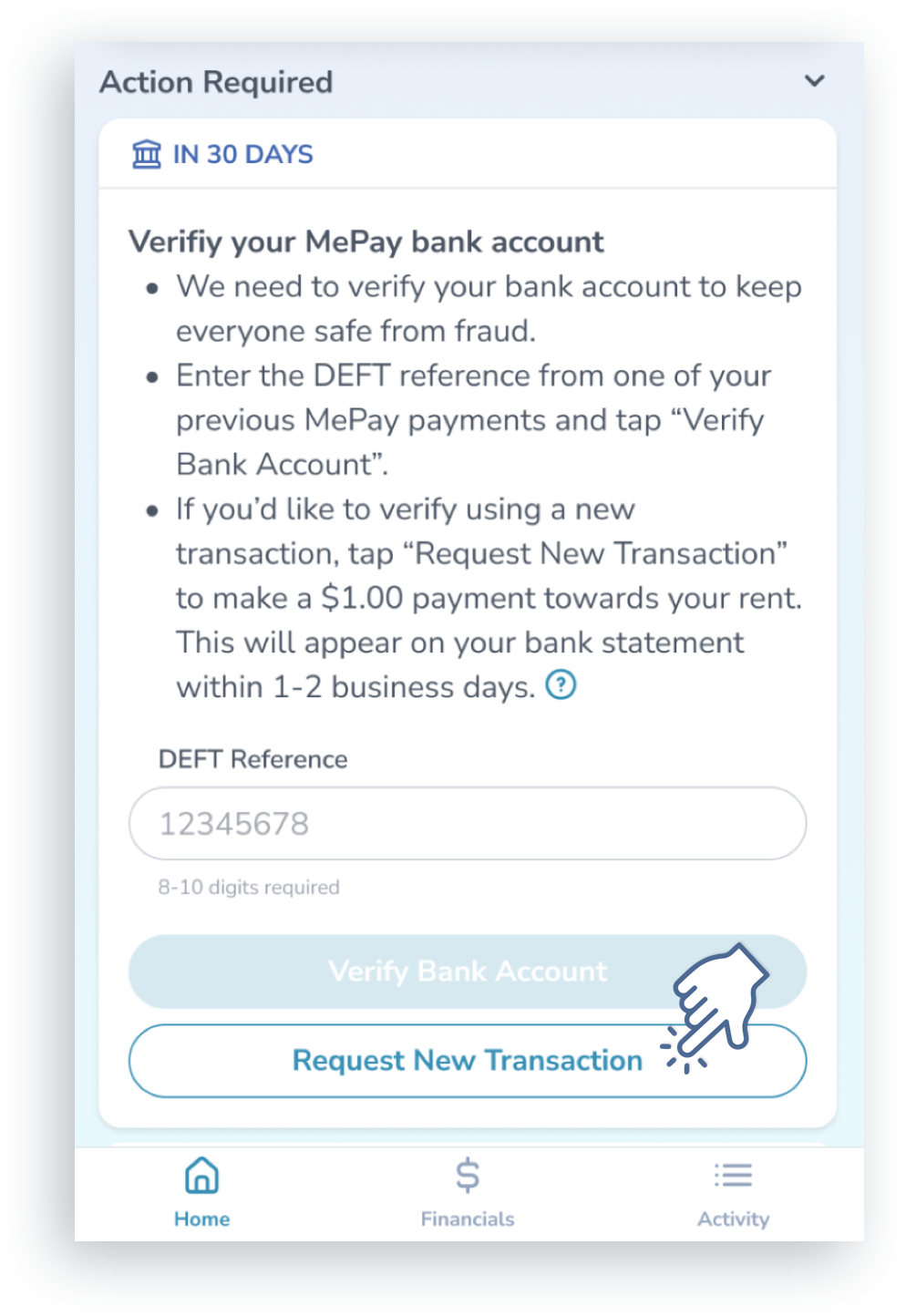
- On the Home screen of the PropertyMe App, Tap Request New Transaction against the "Verify your MePay bank account" card.
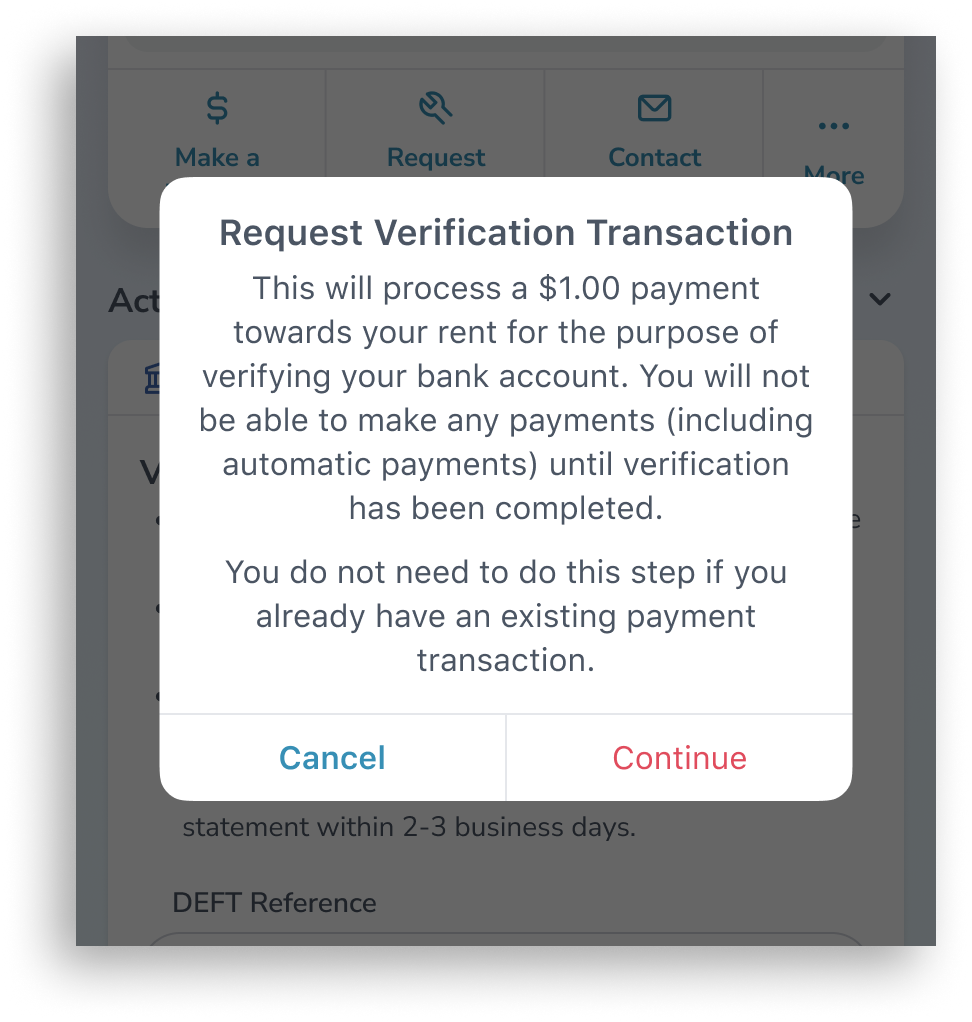
- You will see a confirmation popup. Tap on Continue.
- Log into your bank app or website.
- Look for the $1.00 MePay payment on your bank statement, and make a note of the number on the reference.
- The screenshot below is an example of what the reference can look like. Do not enter the numbers in this screenshot.
- On the Home screen of the PropertyMe App, enter the reference number on the "Verify your MePay bank account" card.
- Tap Verify Bank Account.
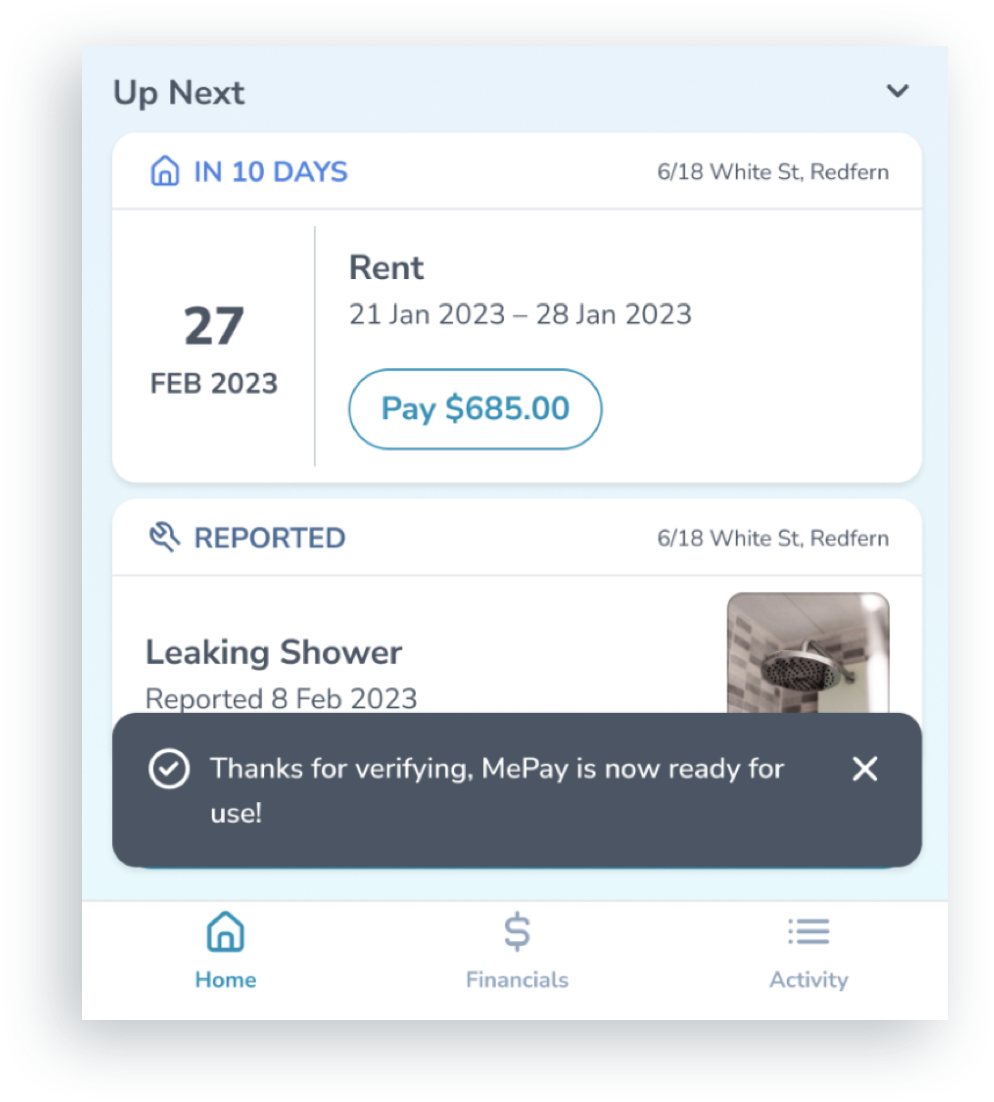
- Once verified, the card will disappear and you will receive a confirmation on the app. You can continue to use MePay as normal.