Skip to main content
Access And Download Your Documents | Web Access (Owner)
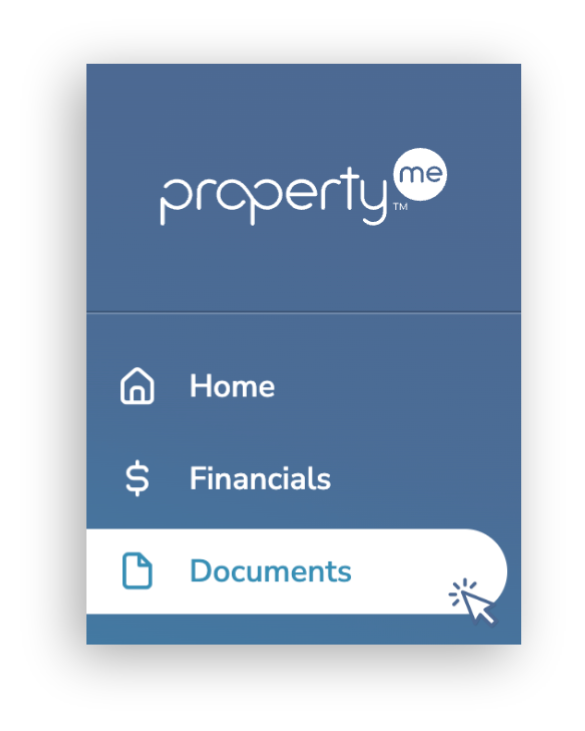
- On the side menu, click Documents.
- This screen lists all documents shared with you. Click anywhere on the required document to view it.
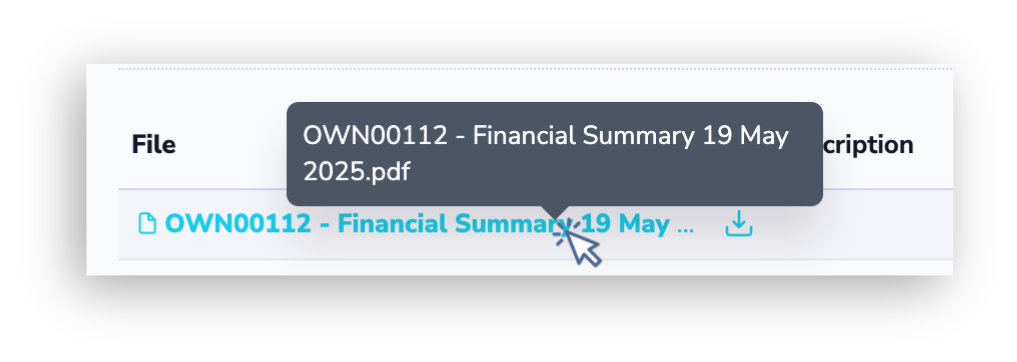
- Document name cut off? Hover your cursor over it to display the full name.
- Can't find the document you need? Please contact your agent for assistance.
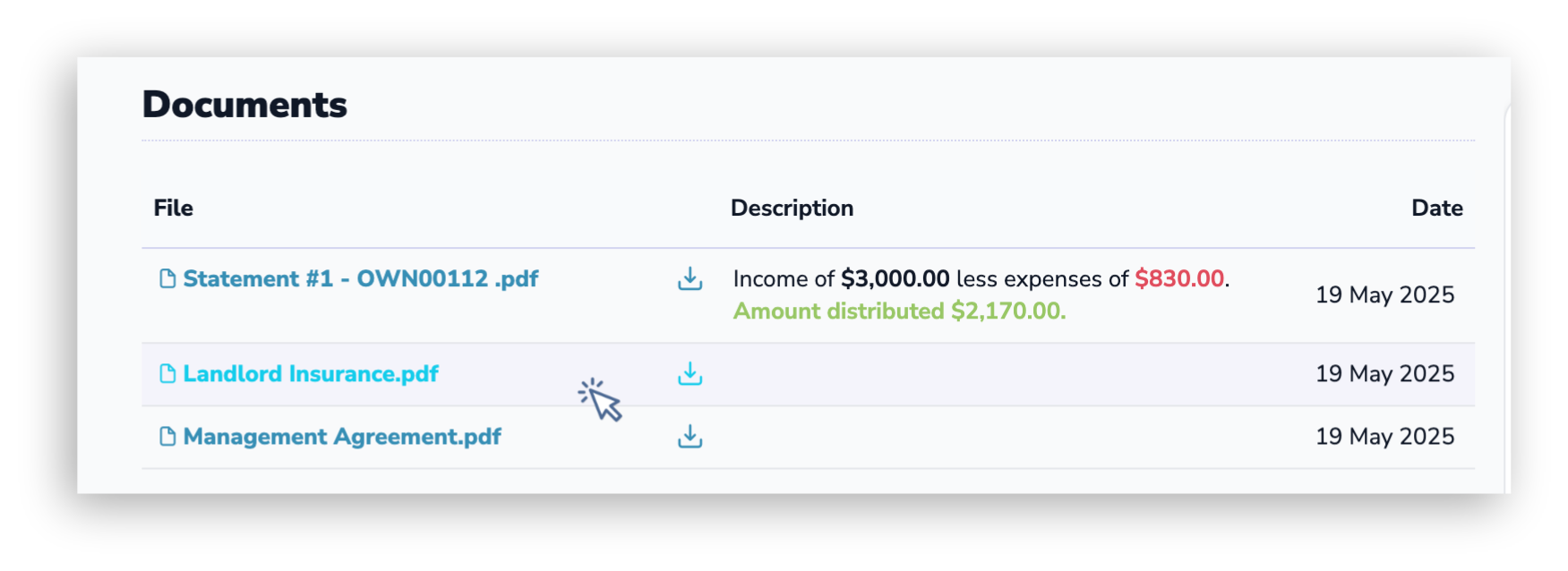
- The document will open in a new tab. Follow your browser's prompts to download it.
- Please note that it is not possible to download documents in bulk.